What is B-Roll Video?

If you’re a content creator, chances are you’ve used B-roll footage—perhaps without even realizing it. B-rolls are an essential tool for keeping viewers engaged and enhancing your video’s storytelling. They provide context, add visual variety, and help convey your message more effectively.
Did you know that 65% of marketers say videos with B-roll perform better in terms of engagement and retention compared to those with just talking heads? And yet, incorporating B-rolls is a time-intensive task for many, with 80% of video editors spending 20-30% of their editing time finding and adding relevant footage.
In this article, you will learn what B-roll videos are and how you can make them in minutes.
Yes, you read that right! You can add B-rolls to your video in minutes using Jupitrr AI.
What is a B-roll video?

Let me tell you why it is called "B-roll" first. The name B-roll comes from the early days of film editing when two separate rolls of film were used.
The main footage, containing the core scenes and dialogue, was called the A-roll.
The secondary footage, used for cutaway shots and visual inserts, was called the B-roll, or B-reel. These reels were spliced together to create the final film.
B-roll is supplemental or alternative footage that is intercut with the main shot, or A-roll, in film and television production. It is used to add visual interest, context, and variety to a video, and to support the overall story being told.
In simple words, A-roll is the star of the show, the close-up shots of the actors talking or the main action happening.
The B-roll is the supporting cast, the establishing shots of the location, close-ups of objects or details, and other visuals that help to set the scene and tell the story.
B-roll videos have always been important for any kind of video to provide context to the scene.
Why are B-rolls important for your videos?
There are four main reasons you will need a B-roll for your video:
Visual storytelling at its finest: B-roll goes beyond just "filling space." It visually complements your story, adding depth, context, and emotional impact.
Engage, don't fatigue: Imagine an entire video of just talking heads – snoozefest, right? B-roll breaks up the monotony, offering visual variety that keeps viewers engaged.
Control the pace and emphasis: B-roll allows you to control the rhythm of your video. You can use a fast-paced B-roll to build excitement, slow down for dramatic moments, or linger on close-ups to emphasize key points.
Cover up minor hiccups: Let's face it, shooting videos isn't always perfect. B-roll becomes a valuable backup. Did someone blink awkwardly during an interview? No problem, cut to a B-roll shot and smooth over the bump.
B-Roll Examples in Videos
Here are some examples of famous YouTubers and TikTokers using B-Rolls to support the context of the video:
Codie Sanchez
Some creators use stock footage with a bit of editing to make it look good. Codie Sanchez did it a great way:
Codie uses B-roll stock footage to support her context
Ali Abdal
Some creators even use their own videos as B-roll footage to avoid any copyright issues. This Ali Abdal's video is a great example:
Ali Abdal uses his own videos as B-roll footage
Modern Millie
You can also use GIFs as B-roll footage to make it funny or relatable. Here is an example in Modern Millie's video:
Modern Millie used a GIF as a B-Roll
Now when you know that all of your favourite creators use B-roll to make their videos interesting, let's dive into how you can do this in the easiest way possible.
How to add B-rolls to your video?
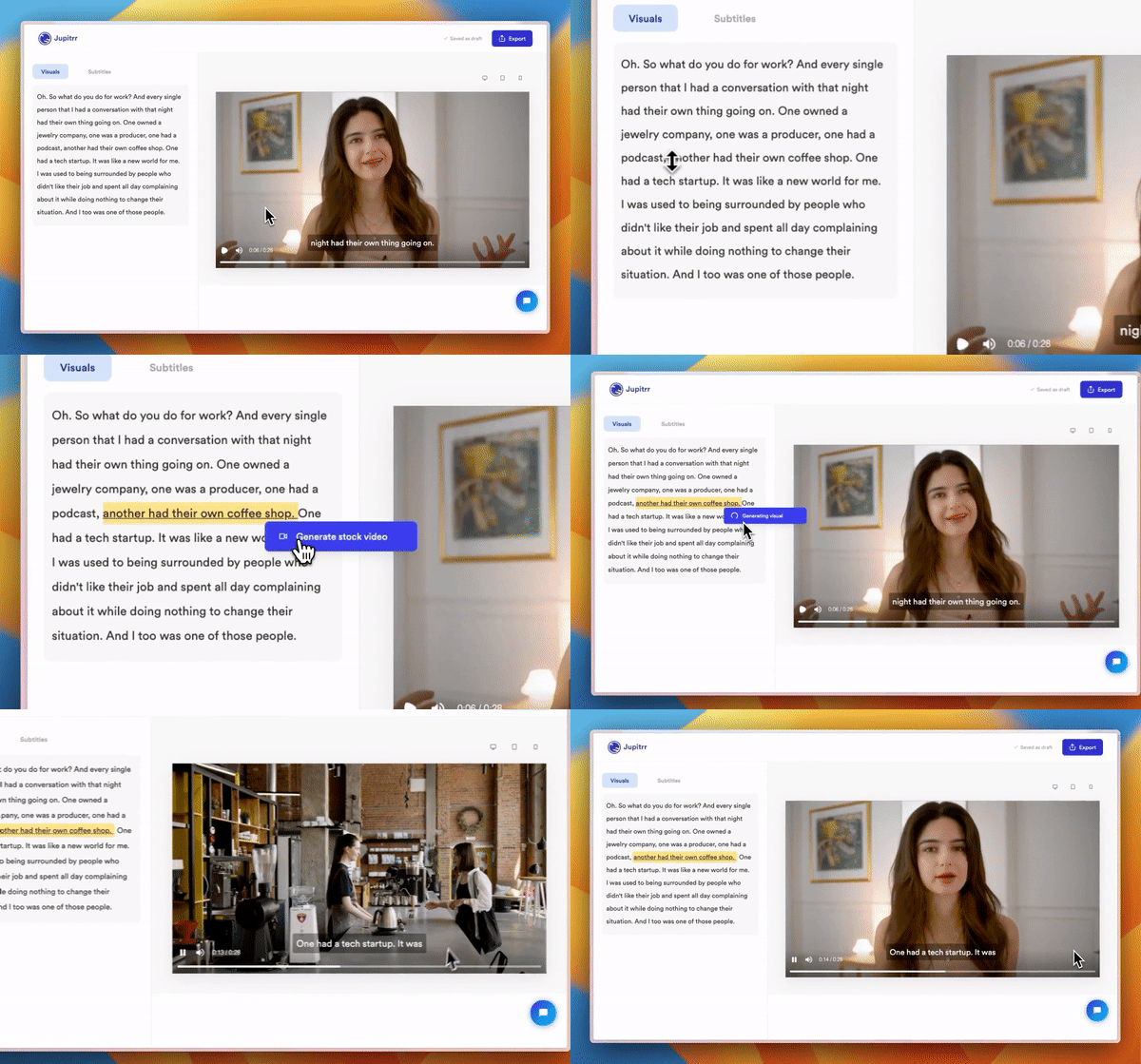
It is easy to add B-roll footage to your video using AI. Here are the steps to do it:
Step 1: Sign up to Jupitrr AI

Go to our AI video maker and sign up if you already haven't. This takes only a couple of seconds as you can directly sign up using your email.
Step 2: Got to AI Video

Click on "Create New" > "AI Video". This is the platform where all the magic will happen in just 1 minute.
Step 3: Upload your video
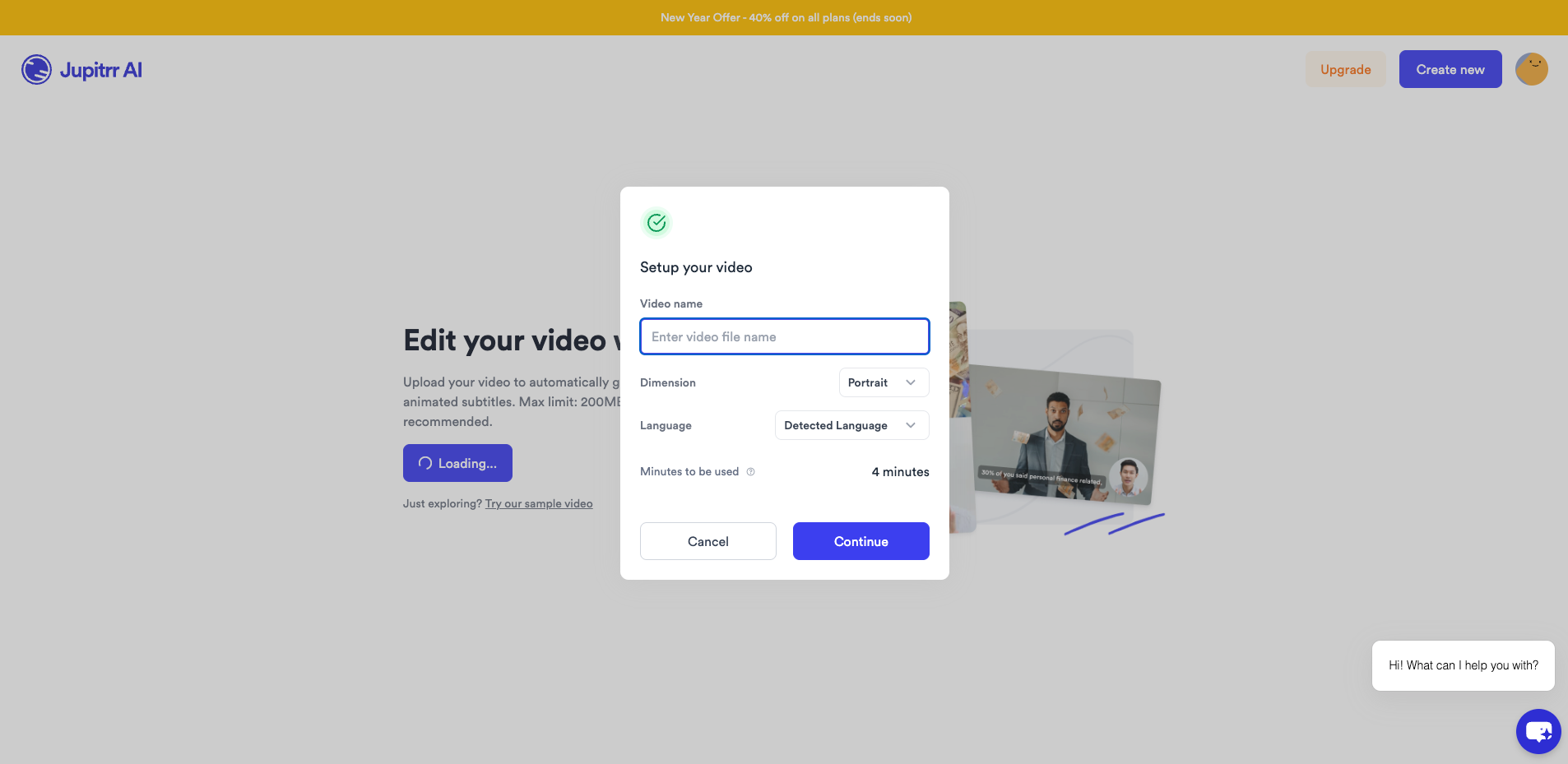
Click on "Upload a video/audio", select your video and click on "Open"
Step 4: Generate B-Roll Videos
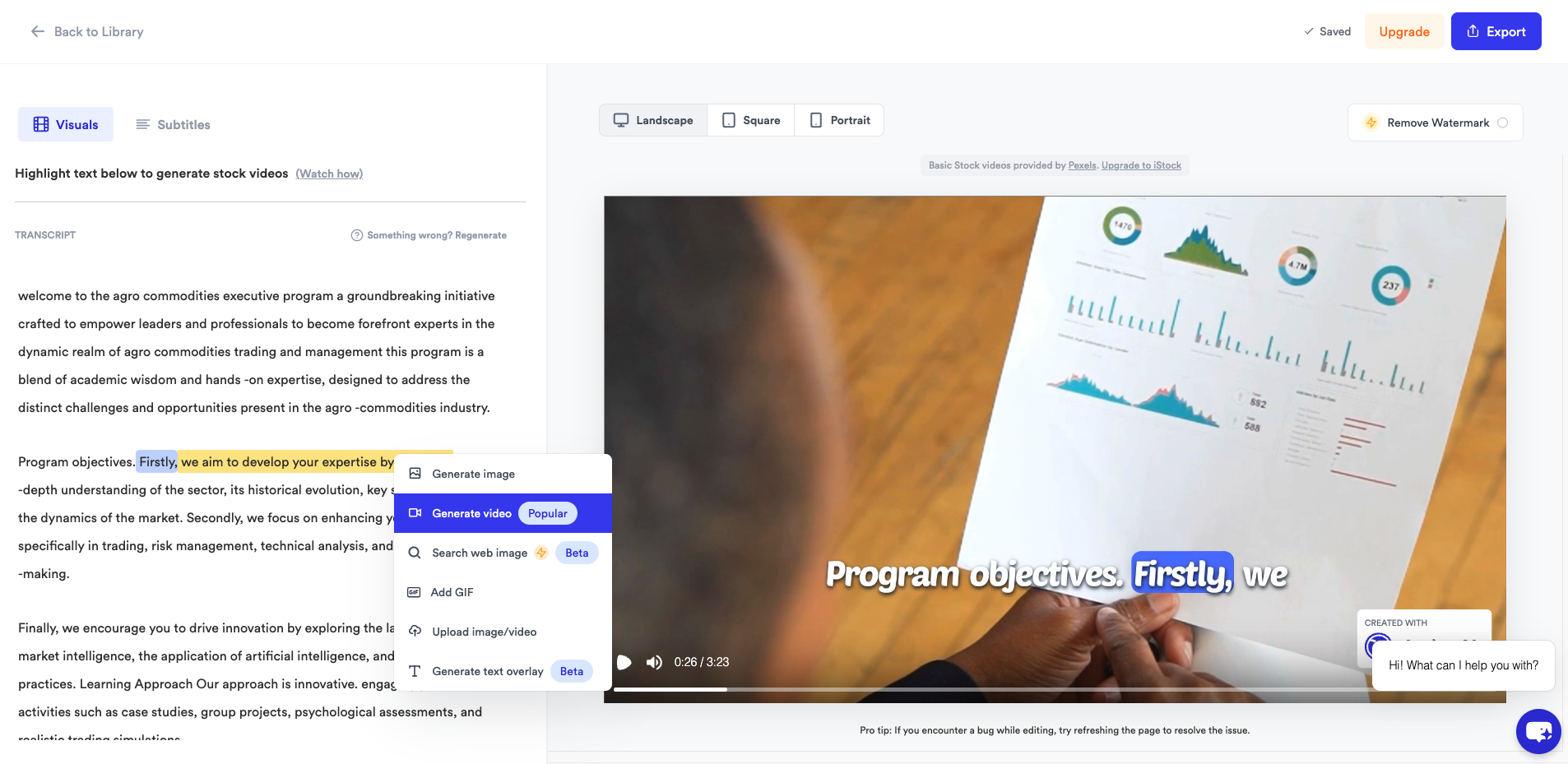
Once the video is uploaded, select the text and click on "Generate Video". You can also select "Generate Image" if you prefer that.
Step 5: Editing

If you don't like the video generated, you can change it by clicking on the text and selecting "Generate again". You can even generate the video with your own prompt.
Step 6: Export
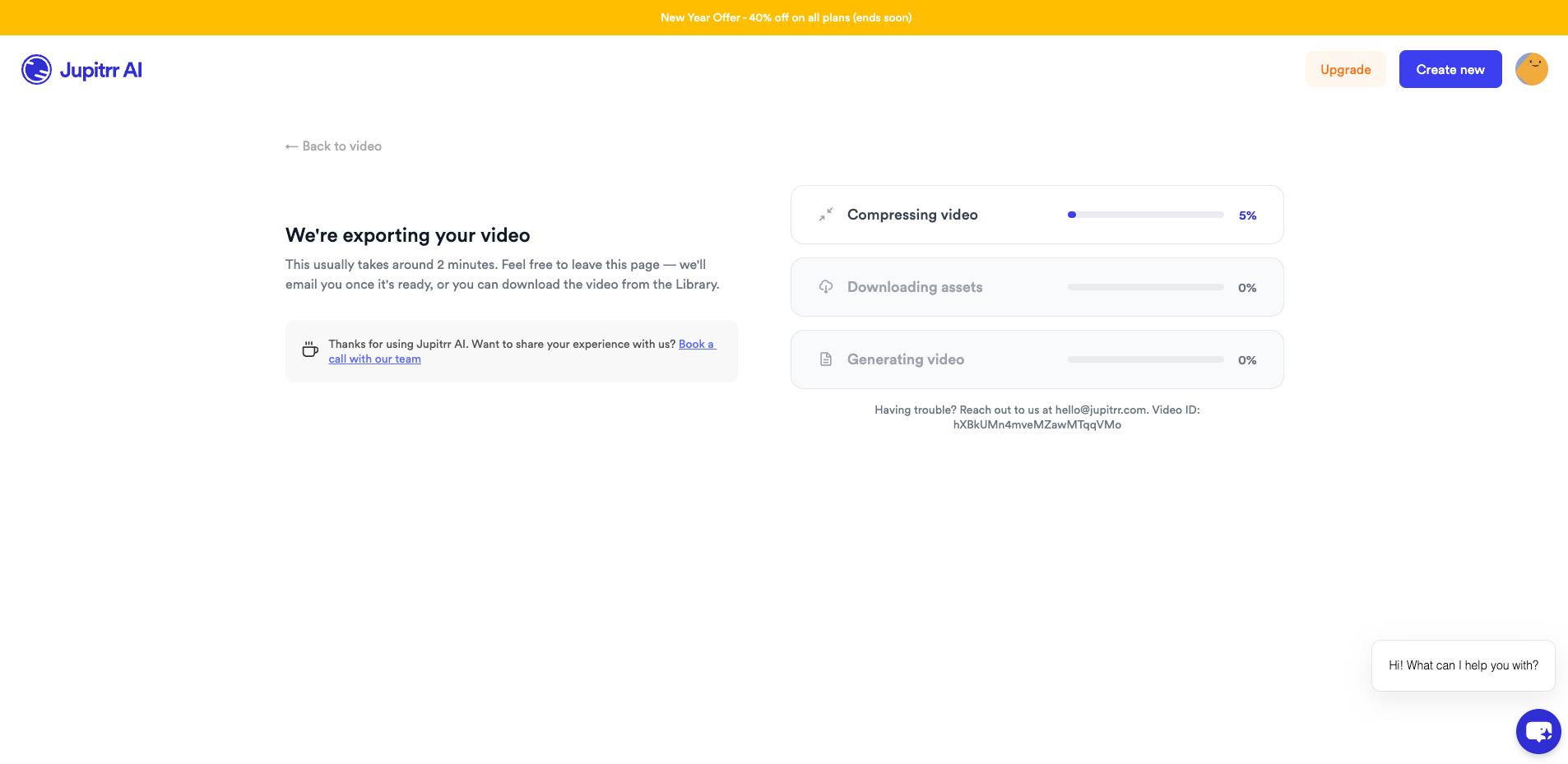
Once you have added the B-roll videos to your video, you can download and share it with your audience.
FAQs on B-Roll Videos
Can I make a great video without a B-roll?
While technically possible, it's much harder to engage viewers for longer stretches without visual variety. B-roll adds energy, clarifies your message, and keeps them glued to your screen.
Where can I find good B-roll footage?
You can use a tool like Jupitrr AI to generate B-roll footage for your videos. Jupitrr AI lets you generate B-roll footage out of a prompt which you can change as per your need and creativity.
What are some common mistakes creators make with B-roll?
Using random, irrelevant clips, neglecting sound design, or overdoing quick cuts can backfire. Remember, B-roll serves your story, not the other way around.
What's the difference between A-roll and B-roll?
A roll is the primary footage, featuring the main action or dialogue. B-roll adds context, visuals, and variety to support the A-roll and enrich the overall story. Think of A-roll as the lead singer and B-roll as the backing band, working together to create a captivating performance.